AI assistants are becoming a new front door to the web, changing how people discover brands, products, and content. For site owners, the challenge is no longer just tracking which AI bots scrape your pages, but understanding whether that activity leads to real customer visits and engaged user behavior.
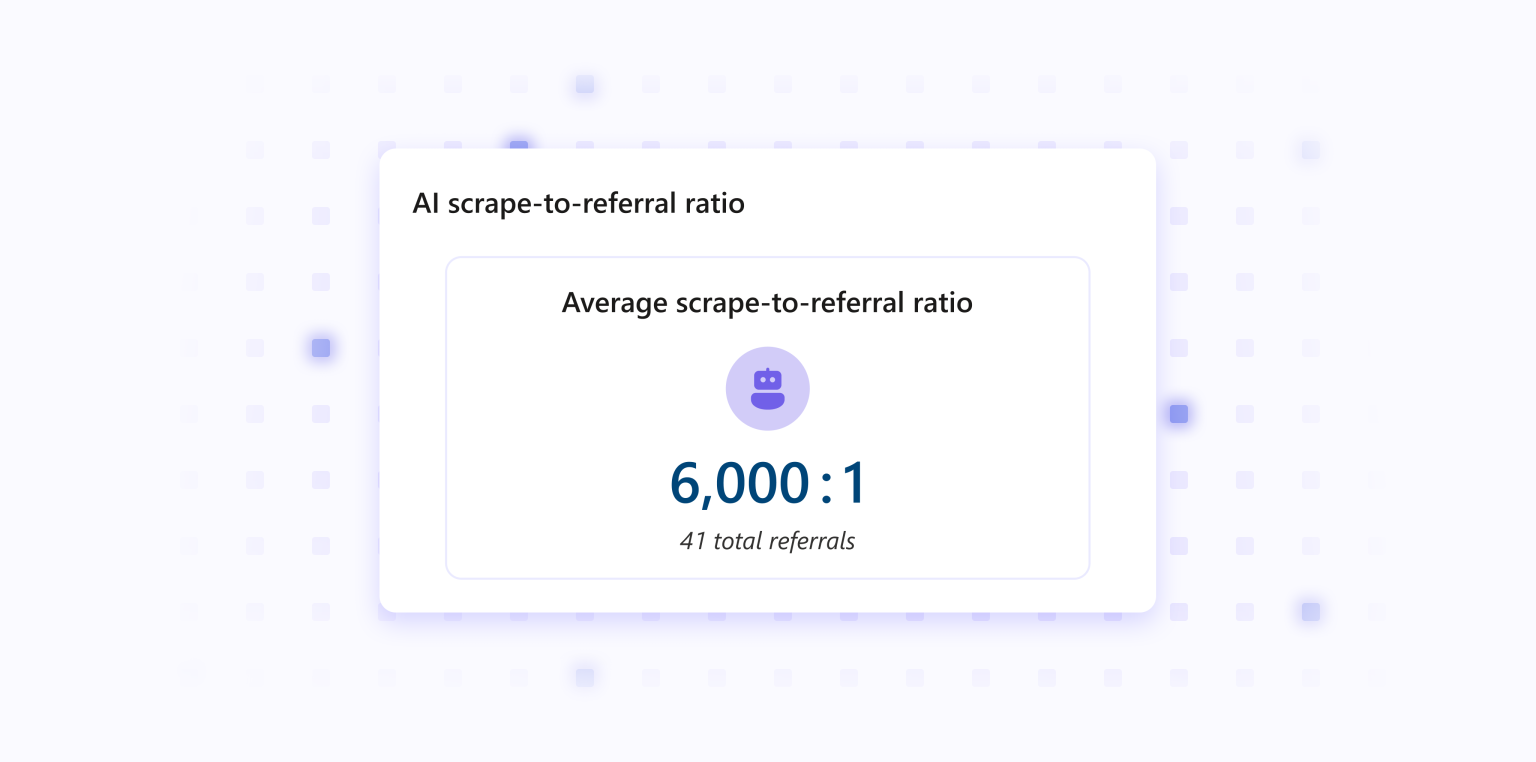
Microsoft Clarity now helps you connect AI crawling activity to actual customer sessions by combining Bot Analytics with Clarity’s behavioral analytics. With the new AI Scrape-to-Referral Ratio card and direct links into session recordings, you can evaluate the tradeoff between content extraction and traffic return, then investigate how AI-referred visitors behave once they arrive.
What’s New
The Bot Analytics dashboard now includes a clearer way to measure bot activityand validate its impact. You can see how much scraping activity from AI operators translates into referral traffic across your mapped domains, then move directly into the sessions behind those referrals for deeper analysis.
- AI Scrape-to-Referral Ratio card: Compare AI scrape activity against referral traffic in a single metric, helping you understand whether AI platforms are returning value in the form of visits rather than only extracting content.
- Operator-level breakdown: Review a ranked list of referring operators to identify which AI sources are sending traffic back and which ones may have high scrape activity with limited referral return.
- Mapped-domain coverage safeguards: Ratios are calculated only across correctly mapped domains, helping prevent misleading rollups when CDN and Clarity coverage do not fully align.
- Clearer handling of coverage gaps: When your AI bot data and referral traffic data cover different domains, Clarity provides context so you understand how domain coverage may affect the Scrape-to-Referral Ratio.
- Direct path to session recordings: Click from referral insights into the Recordings tab with filters already applied for the selected AI referral source, making it easier to validate attribution and inspect real user journeys.
- Better traffic quality analysis: Move beyond top-line referral counts to see whether AI-referred visitors scroll, engage, convert, or leave quickly, so you can compare which AI sources are driving valuable traffic.
Get Started
- Open Bot Analytics in the Clarity AI Visibility Dashboard.
- Review the AI Scrape-to-Referral Ratio card to understand overall referral return and operator-level performance.
- Check the coverage context to confirm your mapped domains are aligned across your connected data sources.
- Select a referral source from the card to open session recordings filtered for
- Watch recordings to evaluate visit quality, including engagement patterns and meaningful actions such as purchases, sign-ups, or form fills.
- Use those insights to compare AI sources and refine how you measure the value of AI visibility for your site.