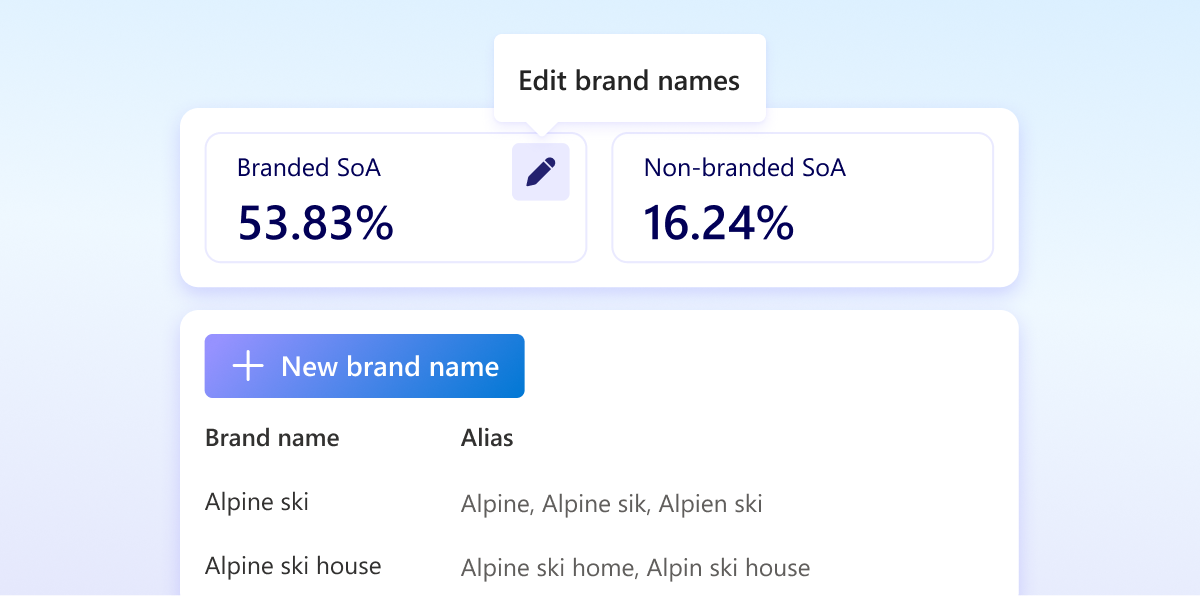
In August we introduced branded and non-branded query segmentation to the Clarity citation dashboard, making it possible to separate direct brand visibility from category discovery.
But your brand can appear in AI queries in many forms, including abbreviations, alternate spellings, localized names, translations, or even common typos.
Microsoft Clarity now lets you customize the Brand Terms used to classify branded queries in the AI Visibility dashboard. This level of customization can improve the accuracy of your branded vs. non-branded segmentation and reporting.
What’s New
- Manage your Brand Terms: Add, edit, or remove Brand Terms from Settings > AI Visibility to better reflect how your brands, products, and business are referenced. Your initial list is pre-populated by Clarity, giving you a starting point that you can refine for your business.
- Capture different ways people reference your brand: Add Brand Terms for abbreviations, alternate spellings, localized names, translations, and common typos. For example, a Brand Name such as Microsoft could include related Brand Terms such as Microsoft, MS, and Microsoft Corporation.
- Organize Brand Terms and filter at the right level: Group related Brand Terms under a Brand Name to keep your brand list organized. When analyzing your AI visibility, filter by the Brand Name to see results across all associated Brand Terms, or select an individual Brand Term to drill into its performance.
- Refine branded query classification: Keeping your Brand Names and Brand Terms up to date helps Clarity better recognize the queries associated with your brands, improving classification accuracy and reporting quality.