Turn Long Session Recordings into Short Insights with Clarity Highlights
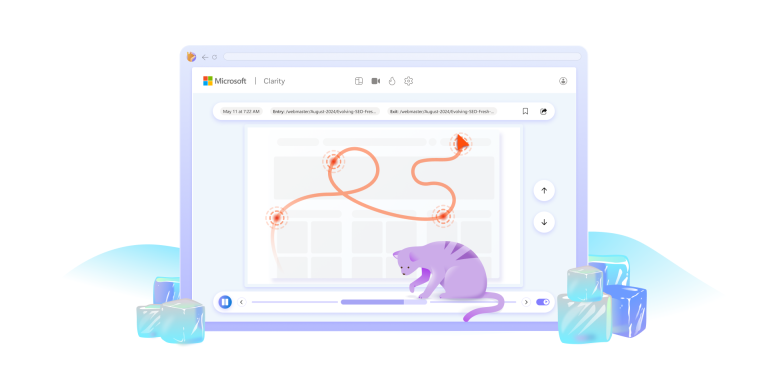
Clarity Highlights turns long recordings into short clips—making it easy to spot issues, share insights, and act faster with your team.
Clarity Highlights turns long recordings into short clips—making it easy to spot issues, share insights, and act faster with your team.

Learn how to use Microsoft Clarity’s powerful features to optimize your website performance, understand user behavior, increase conversions and boost productivity!

Microsoft Clarity guest blogger Josh Silverbauer shares all about his favorite features, filters and segments, in his third blog post

In this guide, we’ll dive into the top features of Microsoft Clarity’s Copilot

Microsoft Clarity guest blogger Josh Silverbauer shares his Top 10 Strategies when it comes to e-commerce success in his second blog post

A software engineer is a person whose job is to design, develop, maintain and test computer software. Our team at Clarity relies heavily

Clarity session recordings are awesome and super helpful! They allow you to analyze your users’ behavior right from the start

Heat maps or Heatmaps are a great way for you to analyze aggregated information on users’ interactions with your website.

Session recordings are user session replays that are created when visitors interact with your website. They are very useful in

You use Google Analytics because it gives you tools for slicing and dicing data that you need to set your strategy, define your audience,

Session recordings show what your users are doing on your site. If you don’t understand your customer journeys, you are